



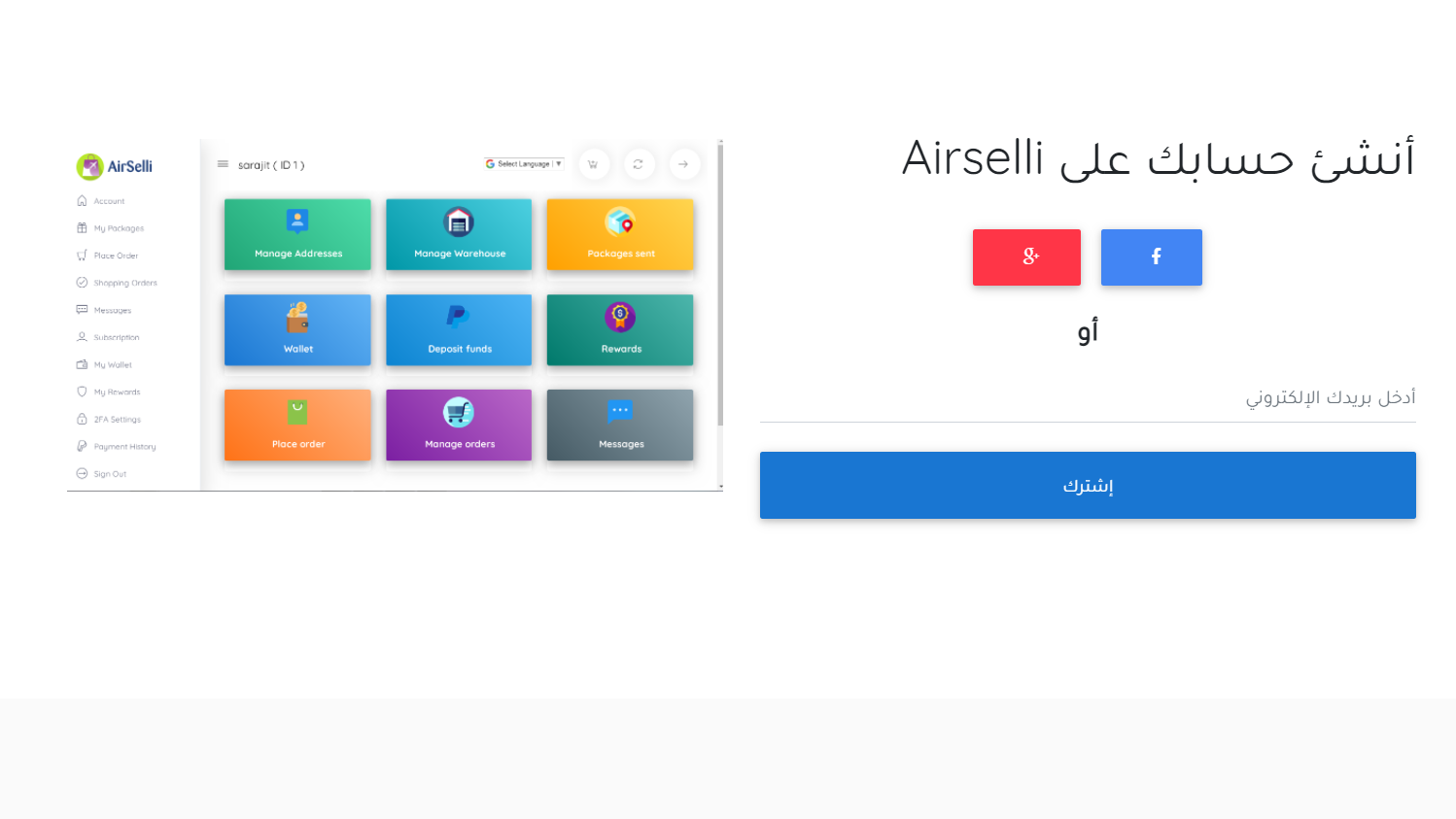
Step One: Register on the Site
All you need to do to register is go to our site, click on register, then enter your email address. After that, enter your username and password, then activate the account via your email. This way, you have created your own account on the Airselli site.
Step Two: How to Add Your Personal Address on Airselli Site
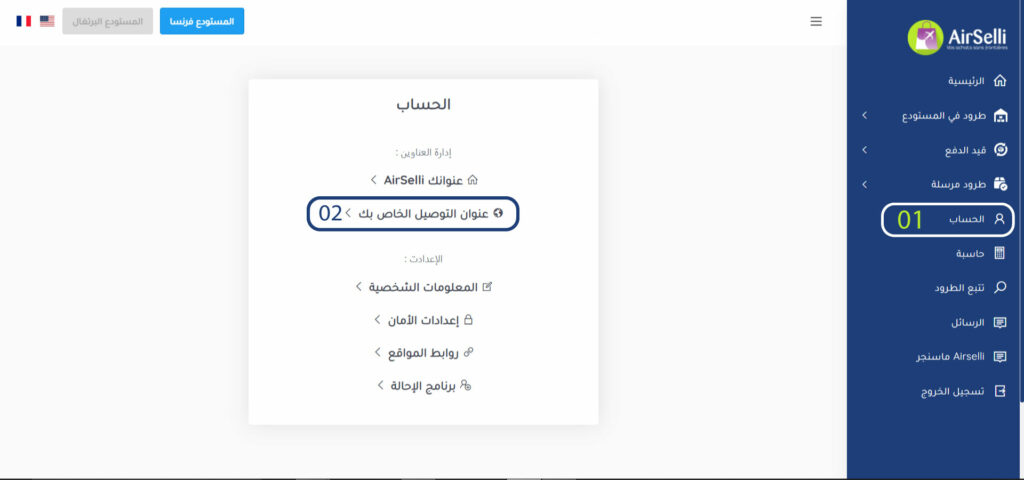
After registering on the Airselli site, you must add your personal address by clicking on the “Account” tab in the site’s sidebar, then clicking on “Your Delivery Address”, then “Add Address”. After that, fill in the required information so we can resend packages sent to our addresses.
Step Three: How to Get Your Airselli Address
After registering on the Airselli site, you will directly get a French address and a Portuguese address specific to you by clicking on the “Account” tab, then clicking on “Your Airselli Address”, where you can copy it and use it on the sites you want to buy from.